Say “Ruth”.
Your PC does the rest.
↑ her name is yours: click it and type
She opens apps, plays music, sorts your windows, keeps your lists and remembers what matters. One button or one word, and she answers in a voice.
More than “set a timer”
Apps, music, timers and lists are the easy part. Click a card to see the rest.
Right now, she is thinking.
One phrase, four steps, about a second.
-
01
You call her
Say her name, or hold a mouse button.
-
02
She hears
Speech becomes text right on your PC. The sound of your voice never leaves the PC.
-
03
She thinks
Only the text of the phrase goes to the language model you chose. It picks the right tool.
-
04
She acts and answers
The action runs on your PC, the reply comes in her voice.
This is her, on your screen
A small window by the clock, or a full-screen board with your day.
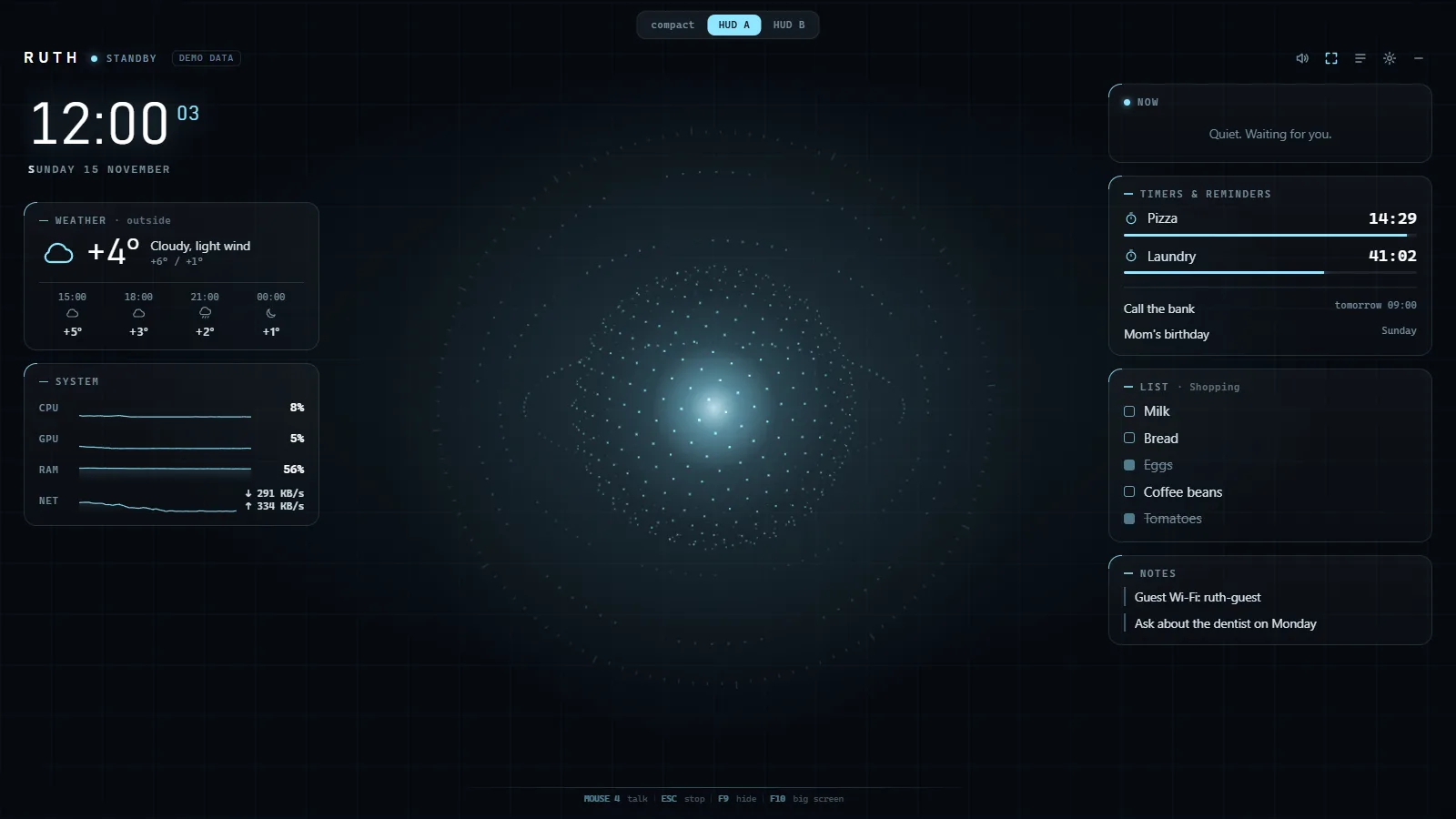
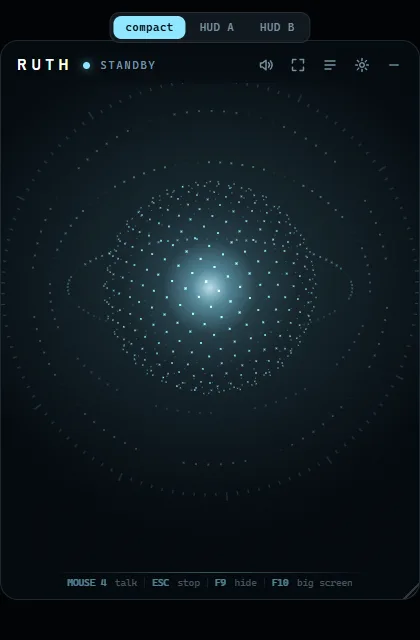
- F9show or hide
- F10big screen
- Mousehold and talk
- Escstop
She asks before anything you can't undo
- Shutdown, closing apps and cleanup get a countdown. “Cancel” stops it.
- Nothing is deleted without your “yes”.
- She remembers only what you tell her to.
- Instructions found on web pages are ignored.
She answers in the language you spoke. And she does not have to be Ruth: give her your own name.
An hour a day, one session at a time
Every session ends with something you can try.
Meet Ruth.
The installer is not public yet. Early access opens soon.
What you need and how to install her →
On a phone? Send this page to your PC →